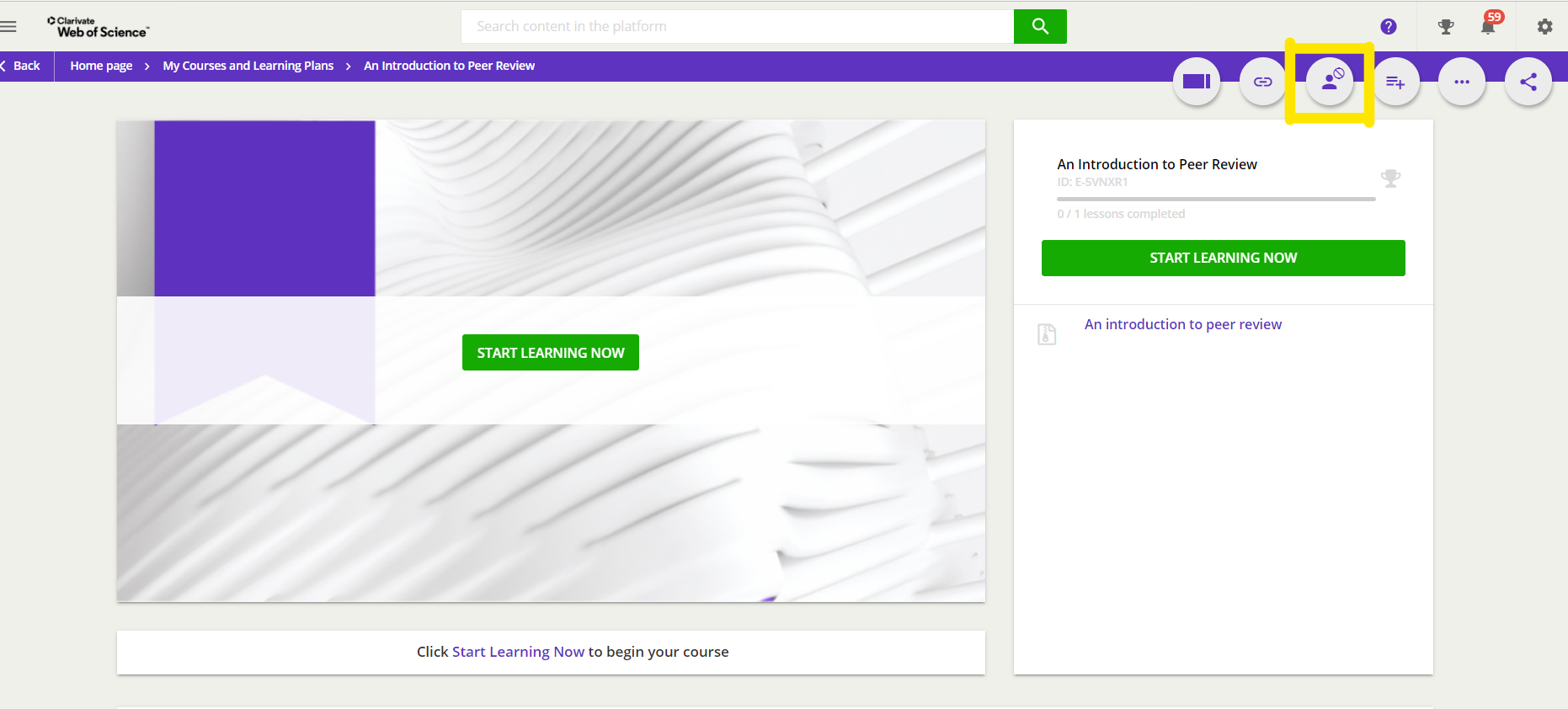
For any course that you are enrolled in but have not yet completed you can self un-enrol by clicking the third button from the left at the top right-hand corner of your screen when on a course player page. See screenshot below. You can self enrol in a course again after un-enrolling. If you choose to un-enrol any saved progress will be deleted.